
Rewrite or refactor: the Access database that runs the warehouse
· 4-minute read · Buying software · by Direct Softworks
The old database that runs the warehouse is ugly, fragile and correct. Replacing it is easy to start and hard to finish, and a rewrite is only one of three options.
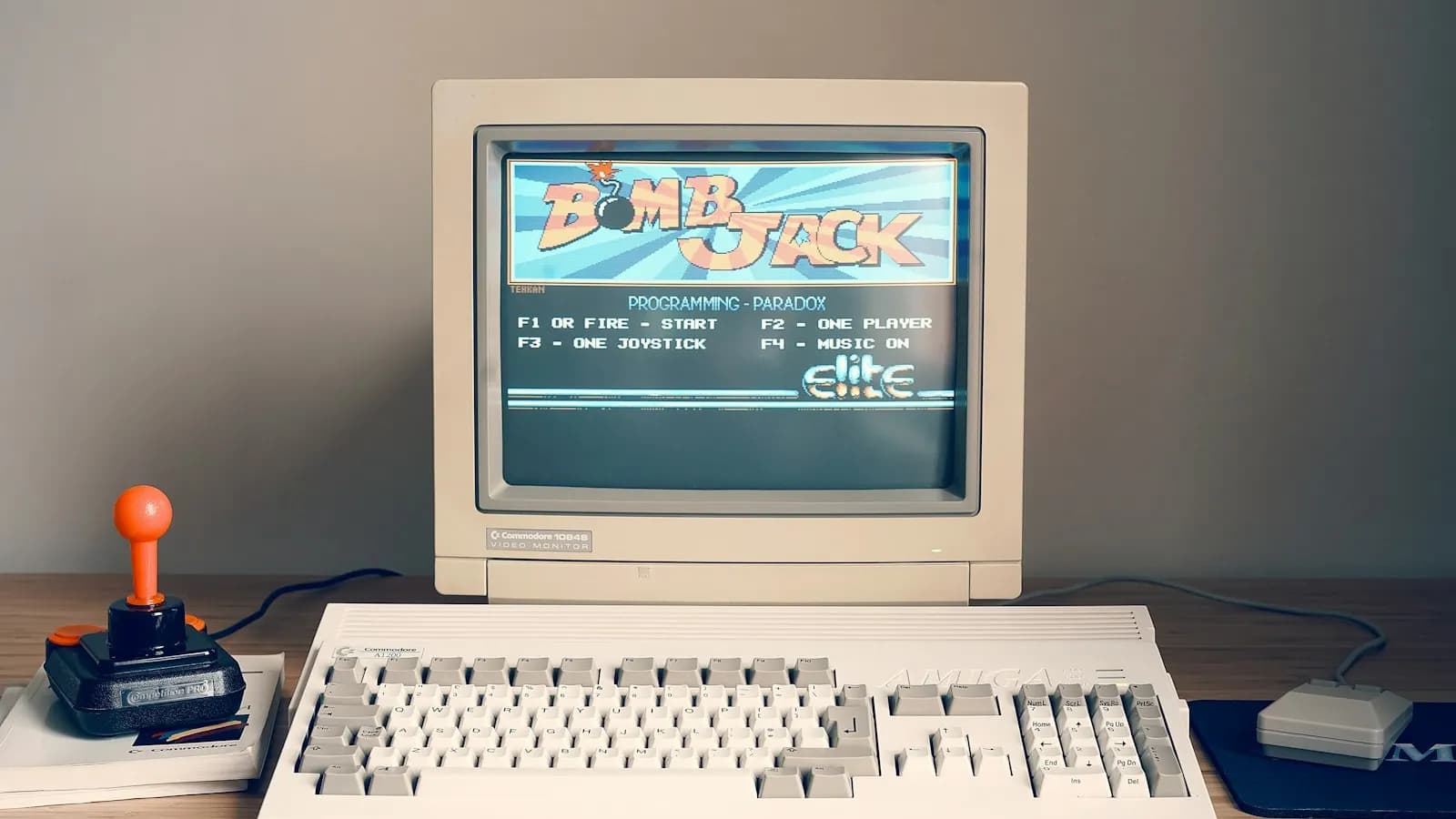
Take an example. Say a distributor's warehouse runs on a Microsoft Access database built in-house fifteen years ago, by someone who has since left. It has sixty tables, a few hundred queries, forms nobody dares to touch, and a macro that runs when somebody remembers to press a button. It is ugly. It is also correct, in the sense that the business has run on it every day for fifteen years.
Every year or so, somebody proposes replacing it. The proposal is usually framed as a choice between keeping it and rewriting it.
That framing leaves out the option that is most often right.
The case for leaving it alone
A database that has run a business for fifteen years encodes fifteen years of decisions. The odd query that excludes one client, the form that refuses a delivery without a weight, the column that means something different before 2019: each was added because something went wrong. Like the columns people add to a spreadsheet by hand, they are requirements discovered under pressure, and almost none of them are written down.
A rewrite has to rediscover every one of them. The ones it misses come back as incidents in the first months, usually at month-end. Working software is a specification that has been tested by every day it has run.
The signs it really has to change
Ugliness is not a reason. These are.
The file is approaching its ceiling. Microsoft documents a maximum of 2 GB for an Access database file. A database that grows by a few hundred megabytes a year has a date on it.
Several people writing at once corrupts it. Access over a shared network folder copes with a handful of users. When "compact and repair" becomes a weekly ritual, the file is telling you something.
People need it from somewhere else. A second warehouse, a salesperson on the road, a director at home.
It has to talk to other systems. An online shop, the accounting software, e-Factura data. Access can be made to do some of this, and each connection is another fragile piece in one file.
The only person who understands it is leaving. This one has a deadline that nobody controls.
The trigger for replacing it should be something it cannot do, not something it does in an ugly way.
Three options, not two
Refactor in place. Move the data out of the Access file into a real database server, and keep the Access forms and queries working against it as linked tables. Microsoft provides a migration assistant for exactly this move to SQL Server, and it can create the links automatically so that existing forms and reports keep working. It fixes the size ceiling and most of the corruption, and it costs a fraction of a rewrite. Some queries need rewriting afterwards because they ran slowly over the link, and schema changes move to the server side. Moving the data out of the Access file is often the cheapest few extra years you can buy.
Replace it piece by piece. Once the data lives on a server, a new system can be built around the same database, one process at a time. Orders first, then stock, then reporting, each old form retired as its replacement goes live. Nobody has to survive a big switchover weekend, and the old system keeps running the parts not yet replaced.
Rewrite and cut over. Justified when the data model itself is wrong, for example one table where an order, a delivery and an invoice are the same row, or when the platform blocks everything you need. It is the most expensive option and the one with the longest period of running two systems.
How to tell which one you need
Ask whether the data model is right. If a record means what it should, keep the model and change the platform around it, by refactoring or replacing piece by piece. If the model is wrong, the parts built on it have to be rewritten whatever else you do.
Ask who uses it, and where. A warehouse with scanners and scales may be better served by a desktop application at the workstations, for reasons that have nothing to do with fashion, with a browser front end for the office.
And before anybody rewrites anything, extract the rules. Somebody should read every query and every macro and write down what each one does, before a single line of the replacement is written. That list is the scope, and without it any quote for a rewrite is a guess.
The honest summary
A rewrite is two projects disguised as one: building the new system, and rediscovering every rule the old one quietly enforced. A rewrite priced as the first tends to turn into the second halfway through.
So start with the smallest step that removes the actual risk. Often that means moving the data to a server and documenting the rules, which buys years. When replacement does come, it is a migration with all the work that implies, and the data half of it deserves as much planning as the screens.