
Talking to scanners, scales and COM ports from a modern application
· 4-minute read · Engineering · by Direct Softworks
Barcode scanners are easy and pretend to be keyboards. Scales are not, label printers are worse, and the difference decides whether your app can live in a browser.
The hardware question is the one that decides the architecture, and it usually gets asked last. By then somebody has already promised a web application to a warehouse that weighs things.
Here is what each class of device actually demands.
Barcode scanners: solved, mostly
A standard scanner is a keyboard. It types the barcode and presses Enter. Anything that accepts text input works, including a web page, with no drivers and no integration.
Two things go wrong and both are avoidable.
Focus. The scan goes wherever the cursor is. If a user has clicked into the quantity field, the barcode lands in the quantity field. The fix is a global listener rather than a focused input: capture keystrokes at the document level, and distinguish scanner from human by timing. A scanner emits a full code in under 50 milliseconds; nobody types that fast. Buffer keystrokes, and when a full sequence arrives fast and ends with Enter, treat it as a scan wherever the focus happens to be.
Keyboard layout. A scanner sends scan codes, and the operating system maps them through the active layout. On a Romanian layout, some characters in a Code 128 barcode come through wrong. Configure the scanner for the layout it will meet, or configure it to send a prefix you can detect. This costs an afternoon of confusion the first time and is invisible afterwards.
Scales: this is where the browser stops
A weighing scale is a serial device. It speaks over RS-232, or over USB pretending to be RS-232, and it either streams continuously or answers when you ask.
There is no way for a normal web page to open a serial port. The Web Serial API exists, works in Chromium, requires a user gesture per session, and is not available in Firefox or Safari. For a kiosk you control, it is viable. For a machine somebody else administers, it is a support burden you will own forever.
The realistic options:
A native application. Opens the port directly. Done.
A small local helper service on the workstation that exposes the port over localhost HTTP, with the web app calling it. This works, it is what most people end up building, and it is a second thing to install, keep running, update and debug. You have not avoided desktop software; you have written some and called it something else.
Also, the protocol is per-vendor. Different manufacturers use different framing, different terminators, different ways of saying "this reading is unstable". Every scale integration includes a day of watching raw bytes to work out when a number is settled and when it is still moving.
Label printers: nearly always the deciding factor
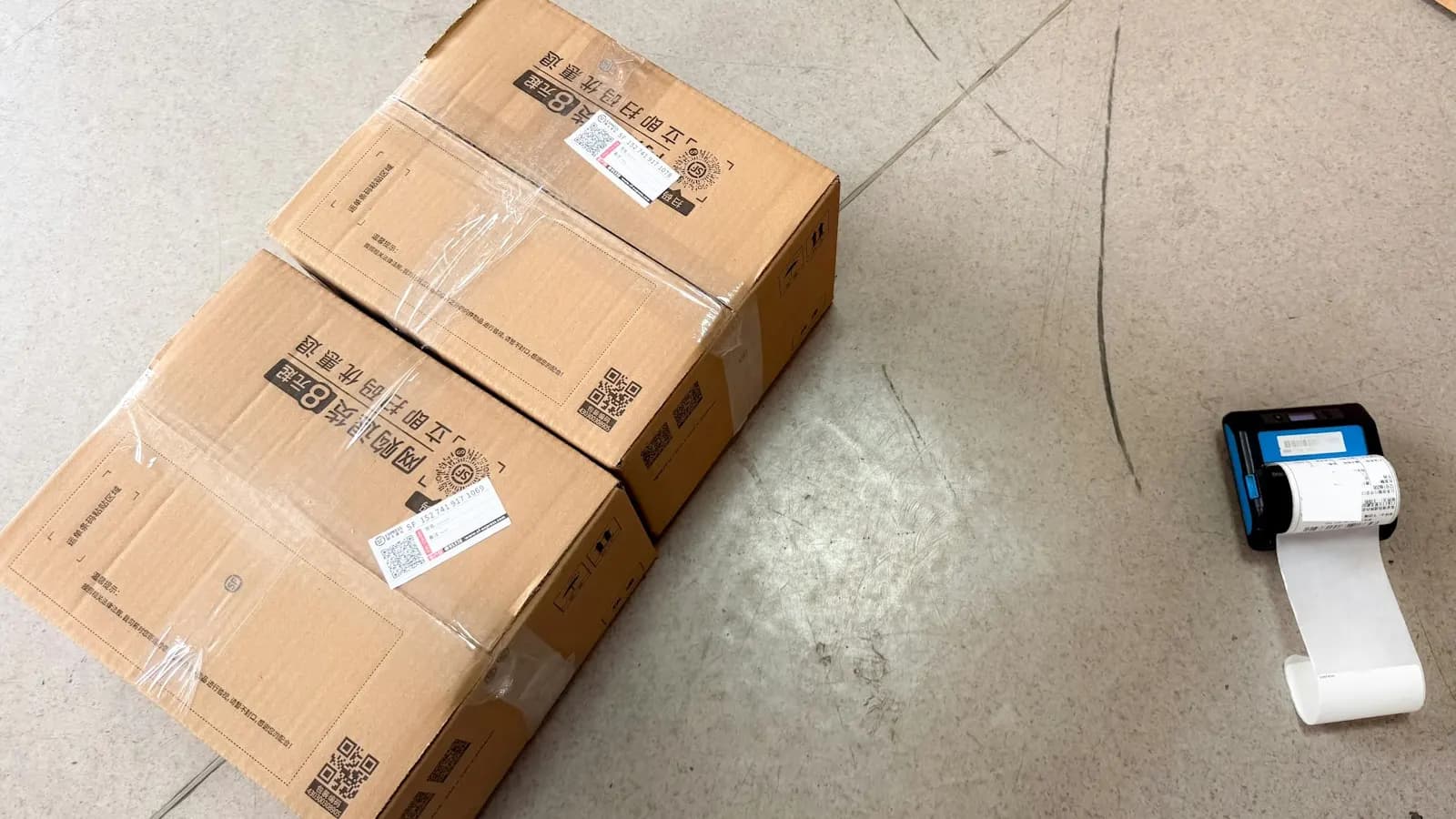
Thermal label printers do not want a PDF. They want their own command language, ZPL for Zebra and EPL or similar for others, sent as raw bytes.
Send raw bytes and the label prints in a quarter of a second, positioned exactly, every time. Go through the operating system's print dialog and a driver, and you get a second or two of delay, occasional scaling surprises, and a dialog on the wrong screen.
At nine hundred labels a shift, the difference is not aesthetic. It is an hour.
There is a real trap here: the print looks fine in testing on the developer's machine, where the driver scales it, and then a batch of labels comes out at 96% and the barcodes fail to scan at the customer's warehouse. Test on the actual printer, with an actual scanner, at the actual size.
The honest decision rule
Ask one question: does the operator touch hardware other than a keyboard and a scanner?
If no, build a web application. Almost everything is easier, deployment is instant, and there is no installer.
If yes, and it is a scale, a label printer, a cash drawer, a customer display or a fiscal printer, build a native application for that station. Not for the whole system: put the management screens, the reporting and anything the office touches in a browser, and put the station where the hardware is in a desktop app that shares the same database.
That split is the shape most of our warehouse and production work ends up taking, and it is worth arriving at deliberately rather than after the demo. It is also why we still write C# for this class of work, which is otherwise a strange thing to be doing in 2026.
The thing to test before you commit to anything
Take the actual devices. Plug them into one machine. Write forty lines that read a weight, print a label and accept a scan.
One day of work, before the architecture is decided. It has changed the plan on roughly half the projects where we have done it, and every time it was cheaper than changing the plan afterwards.